Organize plans by trip day
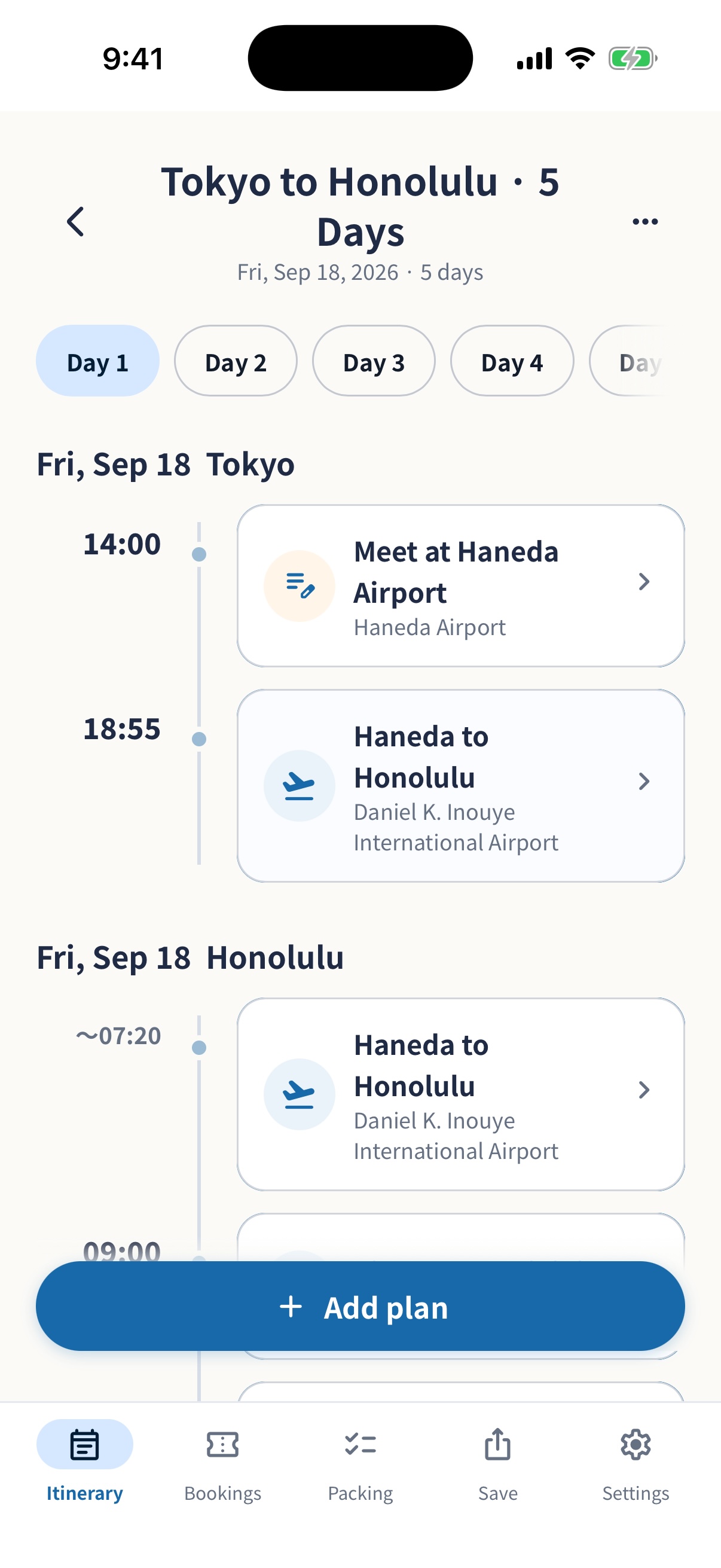
Use calendar dates for domestic trips and Day 1, Day 2, and local dates for international trips.
Explore the itinerary simrip
TRAVEL PLANNER FOR IPHONE & IPAD
simrip is an iPhone and iPad travel planning app that keeps itineraries, packing lists, booking details, and expenses in one place. For international trips, organize plans by trip day while checking local dates and time zones.
iPhone & iPad · No registration · Free basic features
Basic features are free. Removing ads is a one-time purchase. Edit together is free for your first trip per Apple Account; later trips cost ¥500 including tax per trip in Japan. Check the price shown before purchase.
Edit together conditionsSIMPLE BY DESIGN
Use calendar dates for domestic trips and Day 1, Day 2, and local dates for international trips.
Explore the itineraryStart from domestic, international, or family trip packing sets, then check preparation progress for each trip.
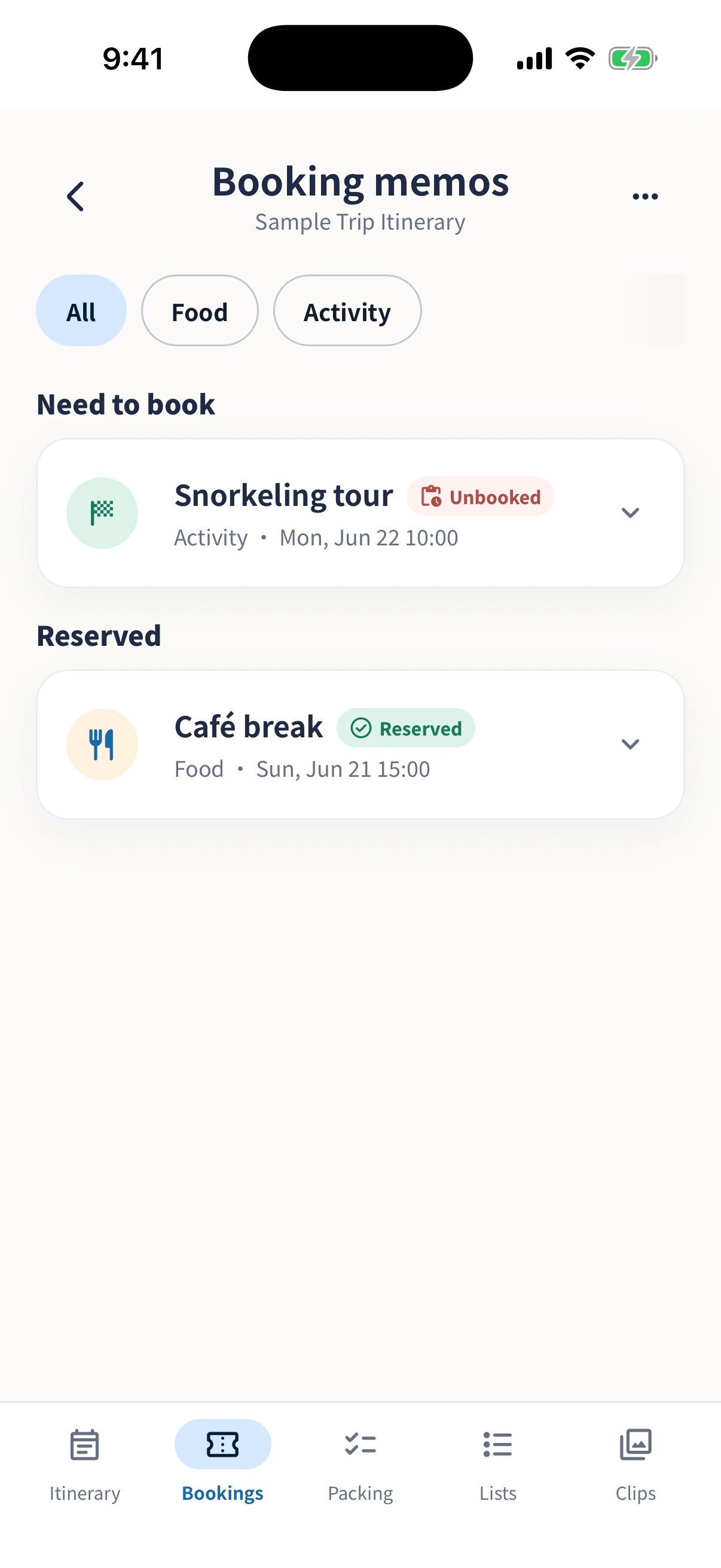
Explore packing listsSave hotel and flight reservation numbers, phone numbers, URLs, prices, and check-in notes alongside related plans.
Explore booking notesREAL APP SCREENS
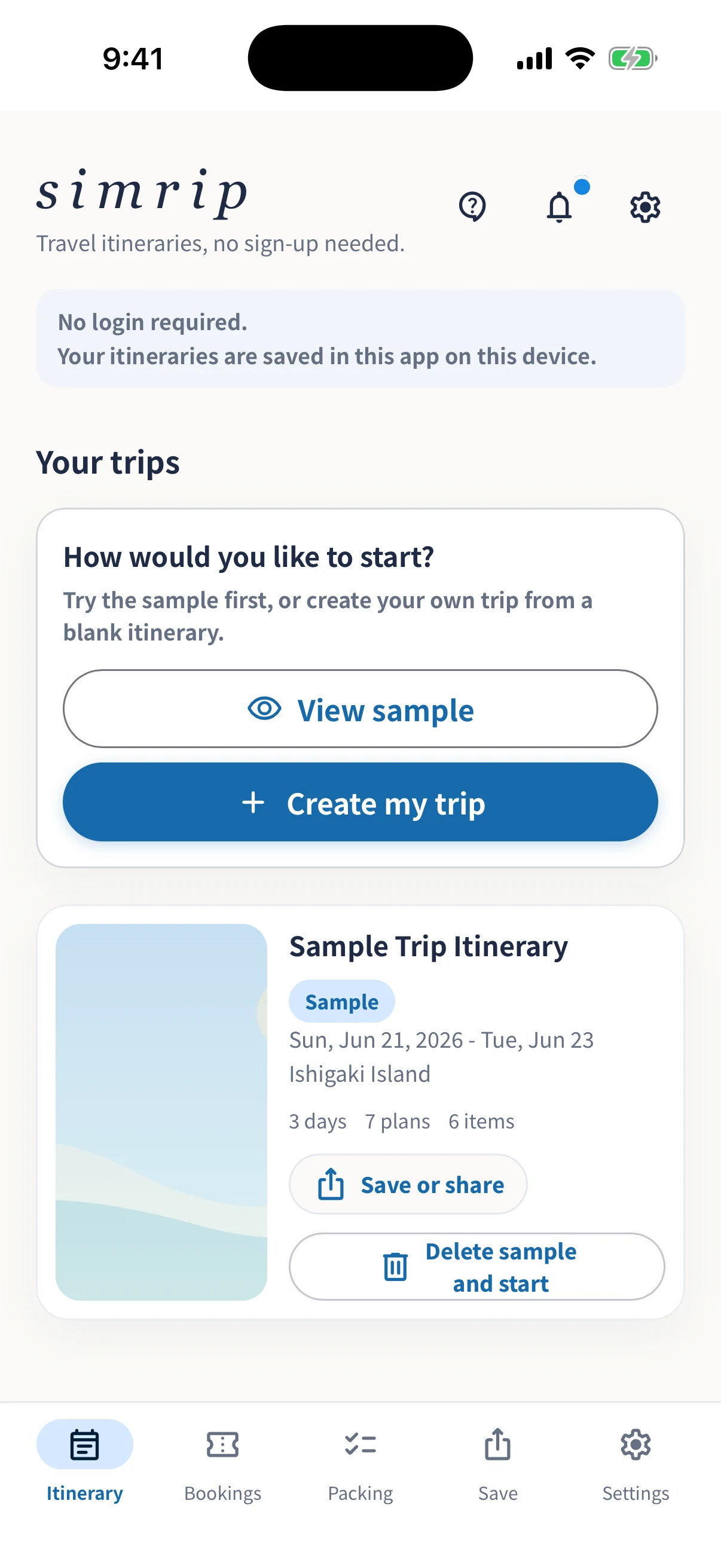
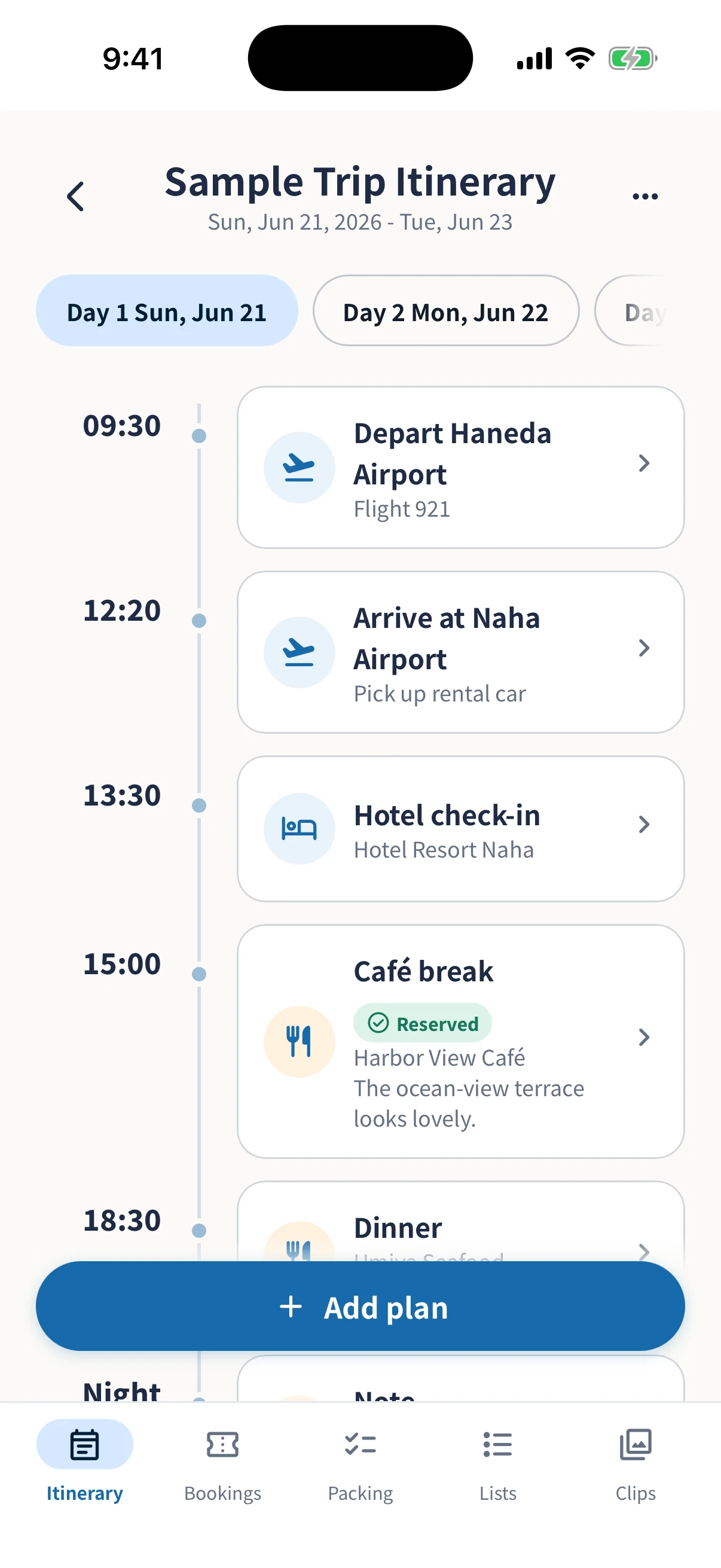
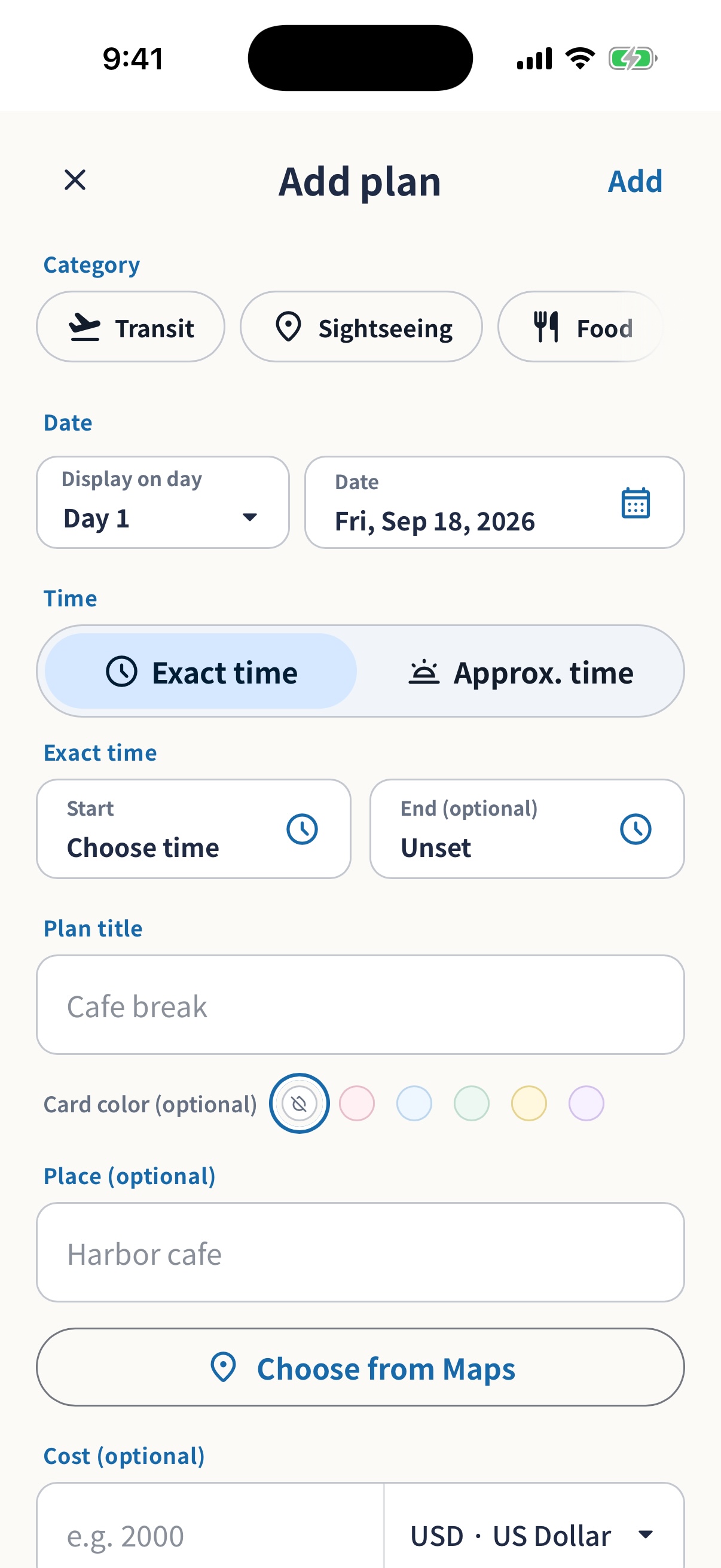
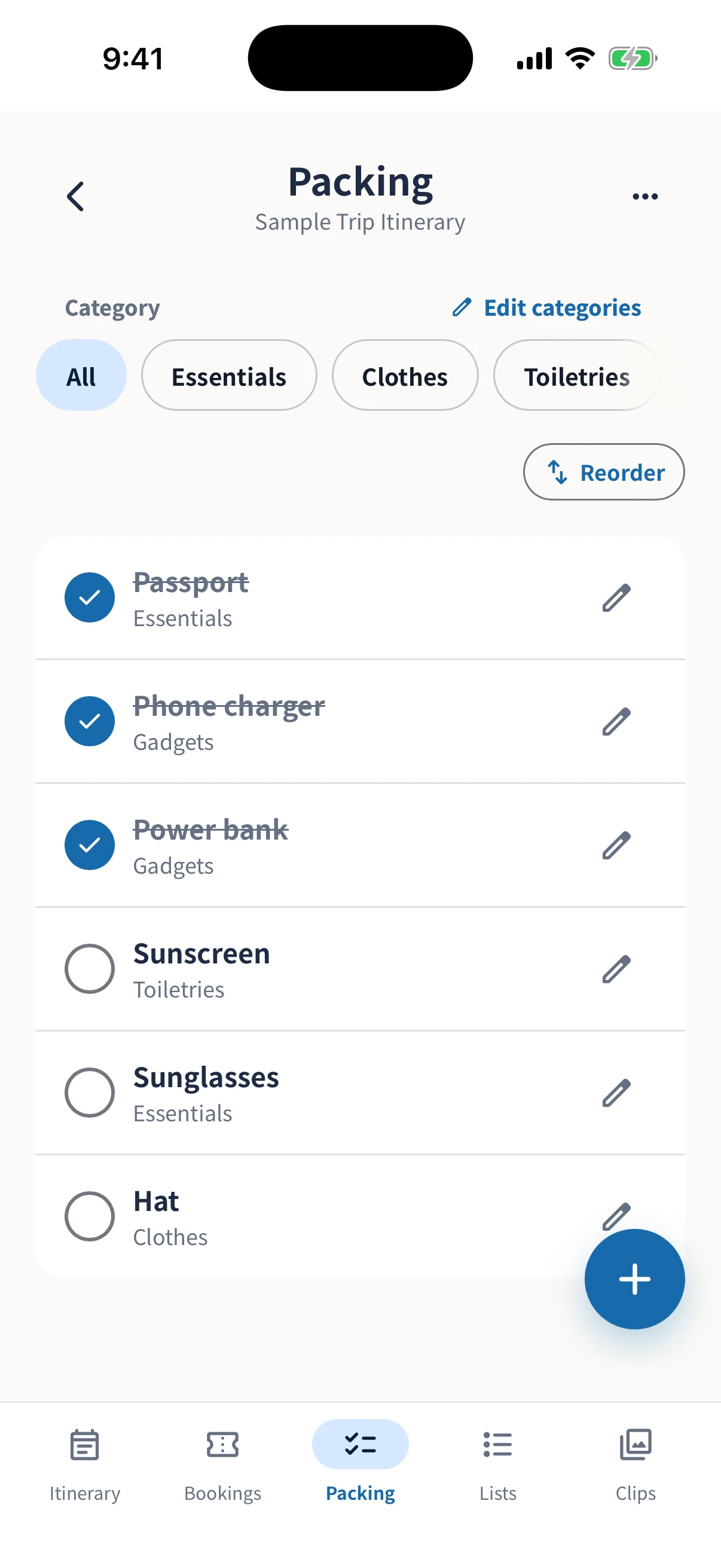
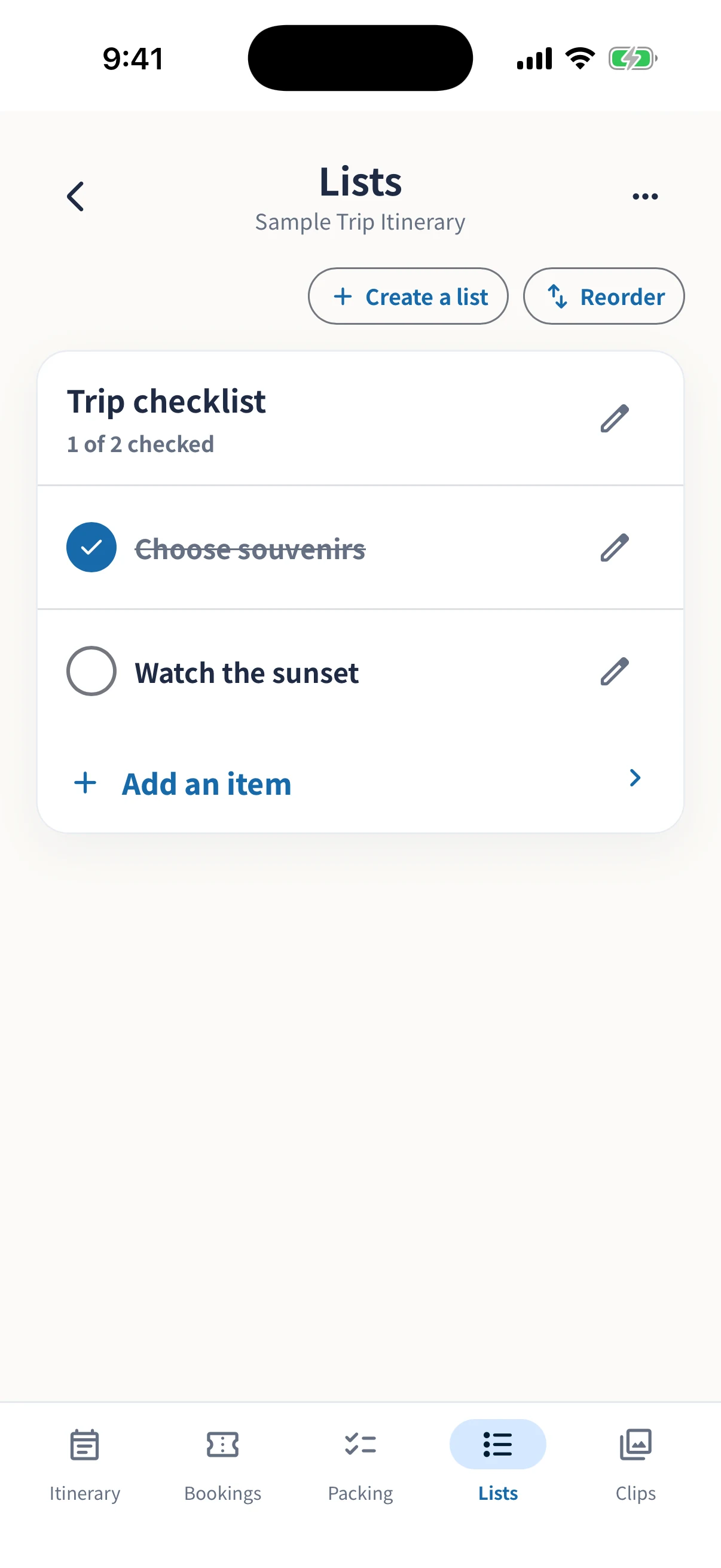
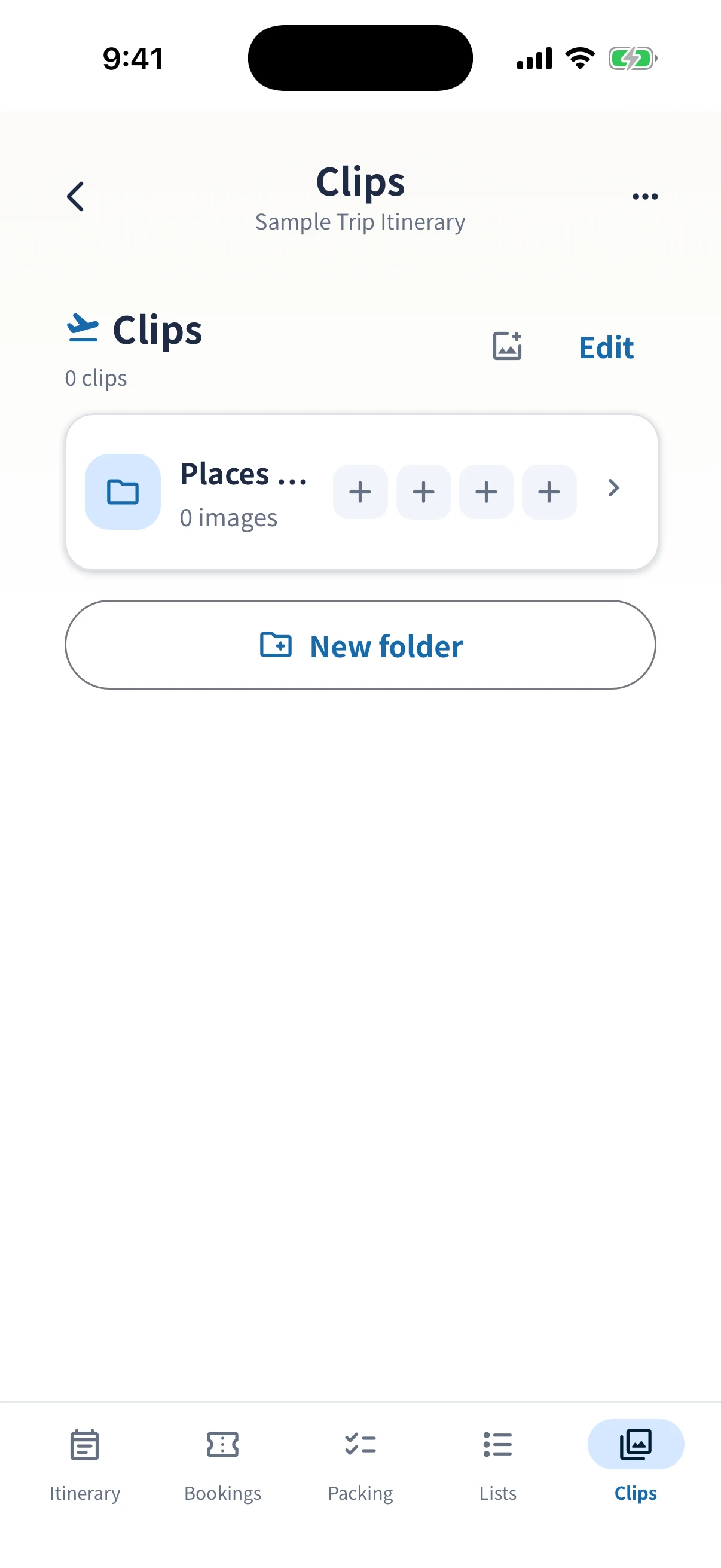
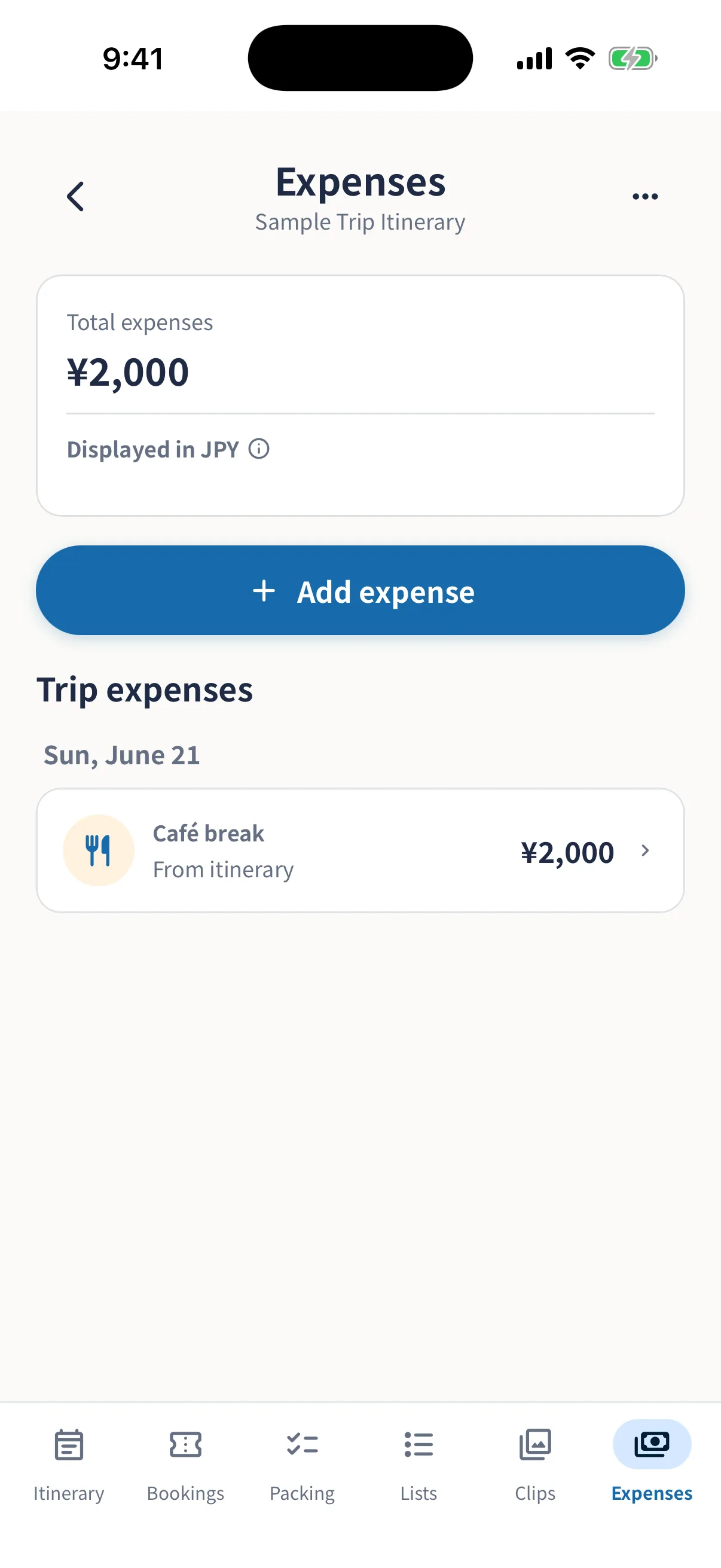
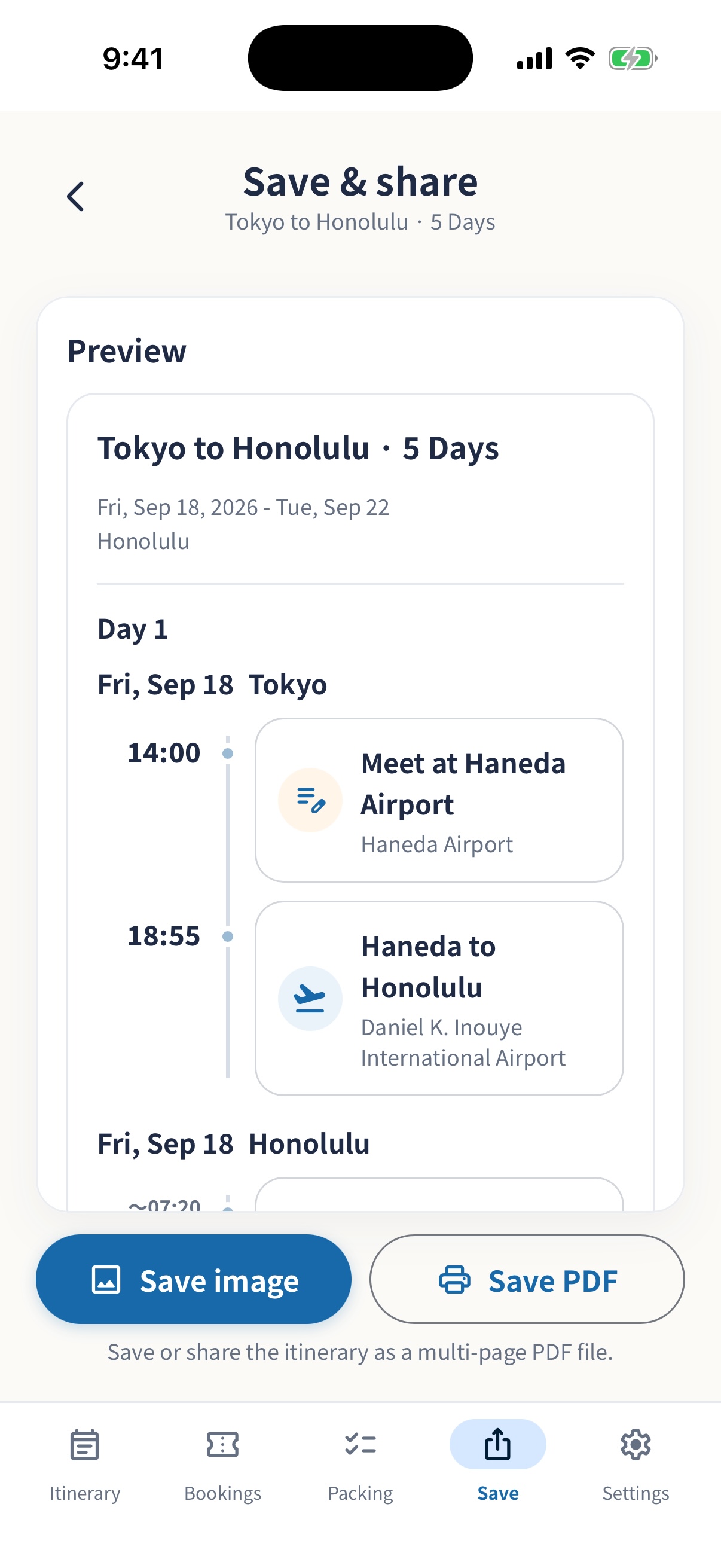
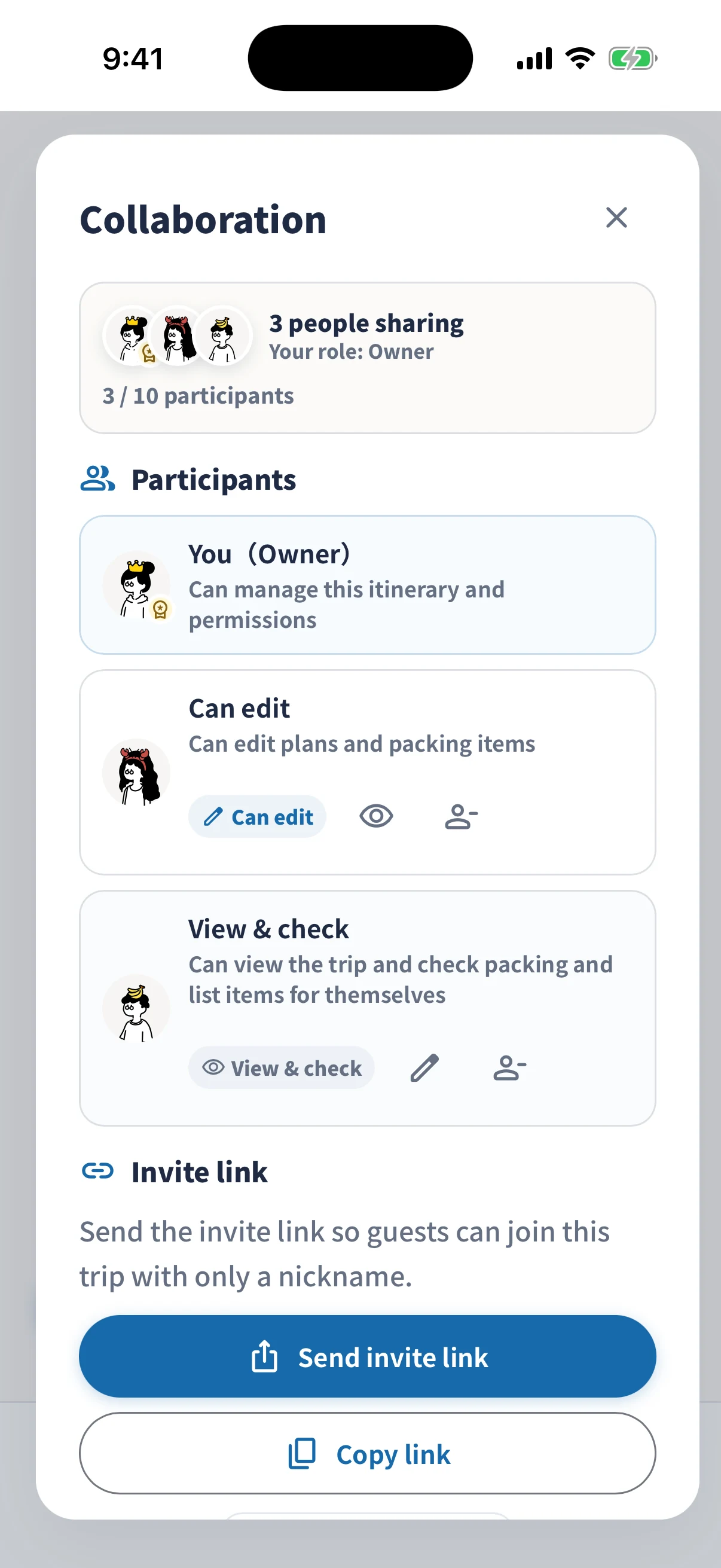
Every image below comes from the current simrip app running on an iPhone Simulator or device.
FOR EVERY TRIP
simrip brings together the three things travelers often need most: an itinerary, a packing checklist, and quick access to booking details.
Keep transport, meeting times, lunch ideas, and hotel details organized by date without scattering notes across apps.
Use International travel mode to organize a trip across time zones or the International Date Line by Day 1, Day 2, and beyond. Check local dates and times and choose city time zones.
Check off diapers, extra clothes, snacks, insurance cards, and other easy-to-forget items for each trip.
Send an image or PDF to someone who only needs to read the plan. Use Edit together with friends who want to update the same itinerary.
See Edit together conditionsHOW IT WORKS
GUIDES
Itinerary
What to include, with a two-day example.
Sharing
Compare images, PDFs, text, and Edit together.
Packing
Start with the essentials and check before departure.
Bookings
Keep booking details and files easy to find.
AI
Create a JSON file from your trip ideas and import it into simrip.
PRIVACY FIRST
No login is required. The itineraries, packing items, and booking notes you enter are generally stored on your device and are not sent to external servers for cloud sync or AI processing unless you use Edit together.
FAQ
Yes. You can create trip itineraries without login, email registration, or social sign-in.
You can keep plans, booking details, packing items, custom Lists, images in Clips, and trip expenses together in one trip.
Yes. You can save or share trips as images, PDFs, text, or backup files. Edit together includes the first collaborative trip free per Apple Account and lets up to ten people update the same itinerary.
The first Edit together trip is free per Apple Account. Later trips are purchased individually at the price shown by the App Store before purchase; in Japan, that price is ¥500 including tax per trip. Up to ten people including the owner can participate, and invited participants do not need to purchase it. Plans, reservations, packing, and other trip details can be edited through the trip end date. Existing owners and editors can continue Money entries, corrections, and settlement for 15 days afterward, but new members cannot join.
Regular trip data is generally stored on the device you are using. If you use Edit together, trip data needed for synchronization and images or PDFs selected for sharing are also stored in the cloud.