
ITINERARY
Keep domestic and international travel plans in order
For domestic trips, arrange plans by calendar date. For international trips, use Day 1, Day 2, and so on alongside local dates and times. You can also choose colors for plan cards if you need them.
View simrip on the App StoreOrganize domestic trips by calendar date
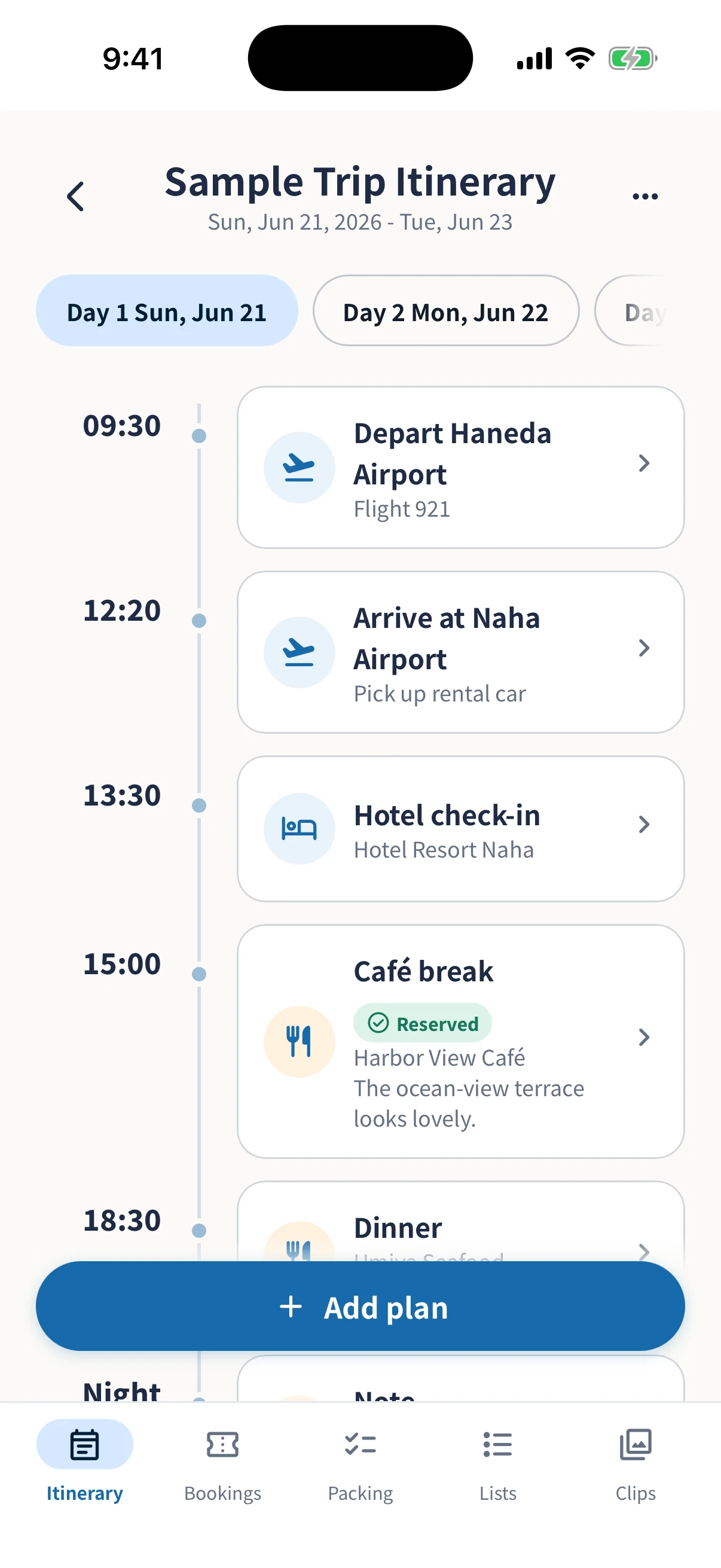
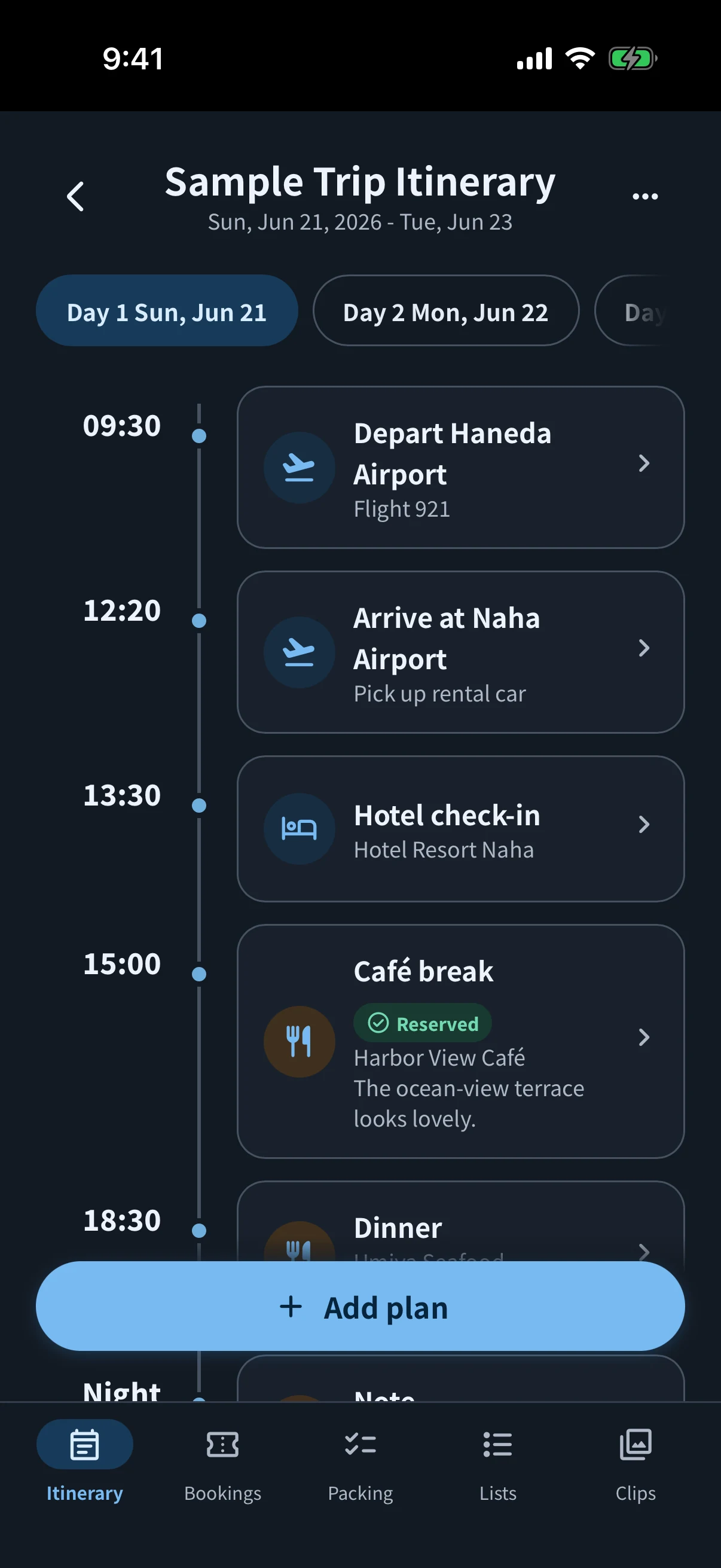
Set the start and end dates for a domestic trip, then arrange each day’s plans by their actual dates and times. It is easy to see when things are happening, even on a day trip or weekend away.
Plans you can organize by date
- Travel, including meeting up, departures, and arrivals
- Sightseeing, meals, shopping, and activities
- Hotel check-in and check-out
- Ideas without a fixed time yet
Follow international trips with Day 1, Day 2, and more
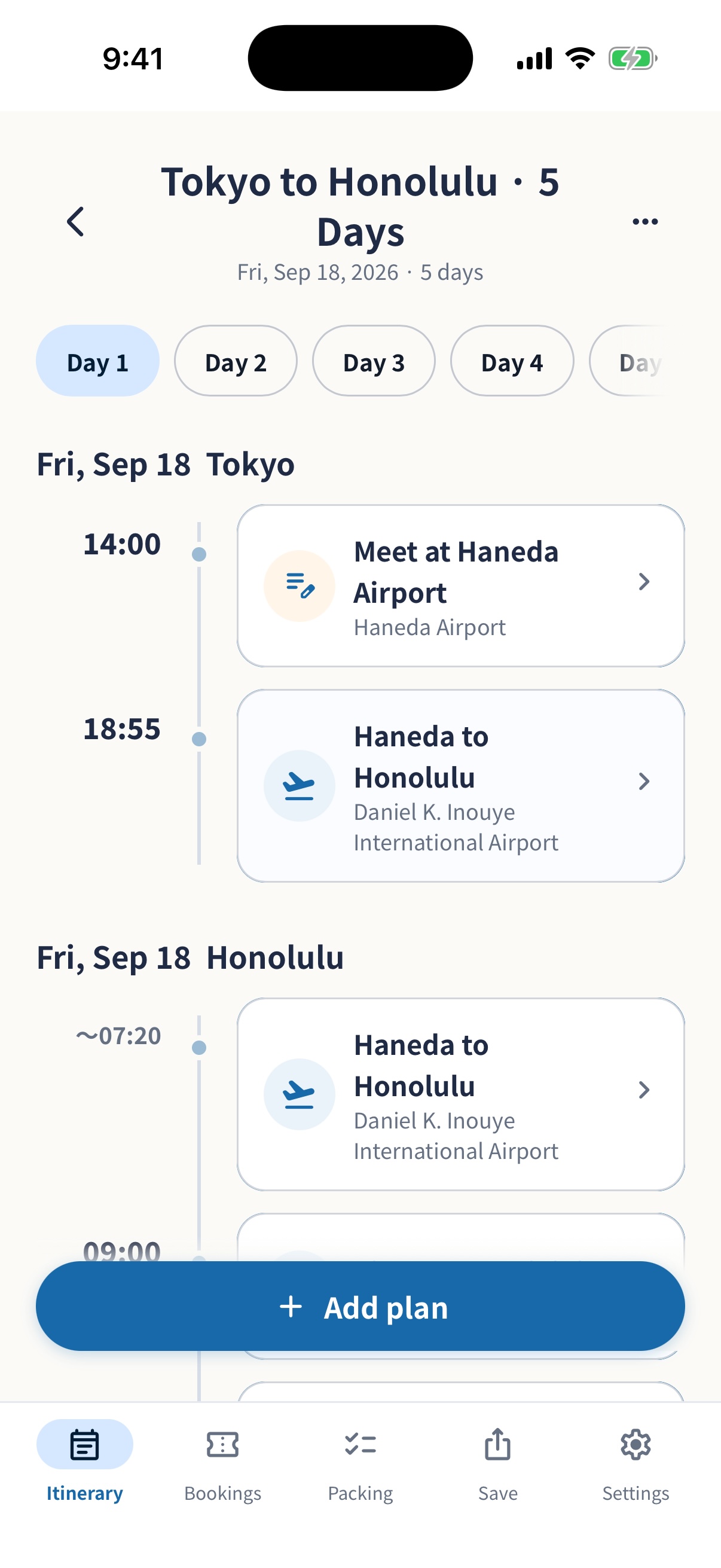
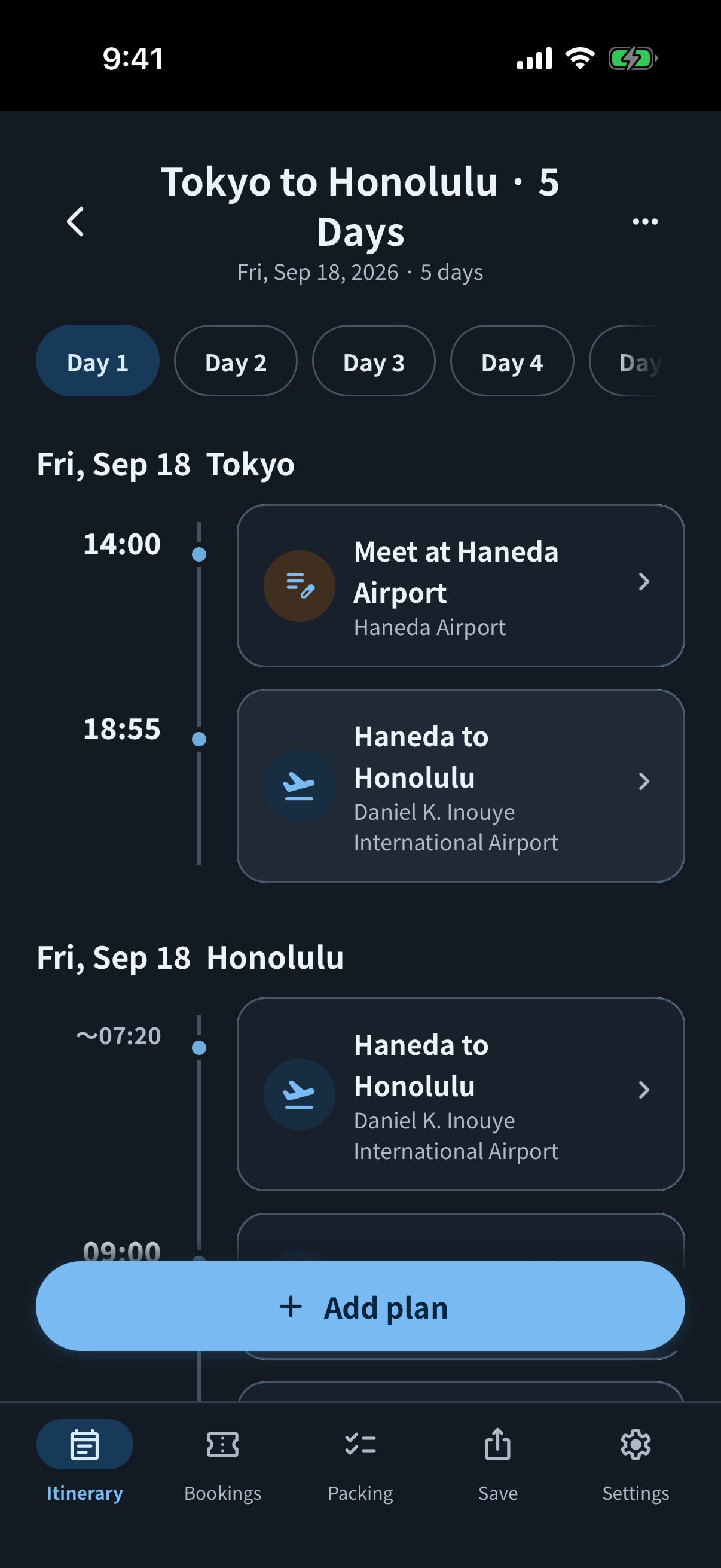
International travel mode organizes your itinerary by trip day, even across time zones and the International Date Line. Each plan shows its local date and time, making journeys with different departure and arrival dates easier to follow.
Plans you can keep together
- Journeys with different local departure and arrival dates and times
- Hotel stays spanning several local dates
- Sightseeing, meals, shopping, and activities
- Ideas without a fixed time yet
Features for trips across time zones
Choose a time zone by city
Treat a plan’s date and time as local to the selected city. For travel plans, you can set departure and arrival locations separately.
Place journeys and hotel stays on trip days
Show an arrival on Day 2, or display a hotel stay on the itinerary from check-in through check-out.
Add colors to plan cards if helpful
Choose pink, blue, green, yellow, or purple as an optional aid. You can also build your itinerary without using colors.
Keep useful details next to each plan
Open a plan to see its details, then choose Edit to make changes. Use Add sub-plan to group stops, or copy a plan to another day. Use Sort to move plans with flexible times to another position within the same day. Plans with fixed times stay in time order.
Add booking notes to plans
Keep booking references, phone numbers, URLs, and amounts next to the plans that need them.
Keep booking confirmations and tickets togetherShare in an easy-to-read format
Save and share images, multi-page PDFs, or text, including local dates and times for international trips. Card colors also appear in images and PDFs.
Compare ways to share travel plansUpdate the same itinerary together
With Edit together, you can try your first trip for free and update plans and packing lists with the people you invite.
Learn about Edit togetherNot sure where to start?
A trip name, dates, and bookings that are hard to change are enough to begin. Add places to visit and meal ideas in between when you are ready.
Read what to include in a travel itinerary and how to make one