
BOOKING NOTES
Keep confirmations and tickets next to the plans that need them
Add booking references, phone numbers, URLs, and amounts to hotel and transport plans. Keep ticket and confirmation images or PDFs somewhere you can open them when needed.
View simrip on the App StoreKeep everything you need with each booking
Details to save as text
- Booking and confirmation references
- Phone numbers for accommodation and transport providers
- Booking website and map URLs
- Amounts, payment status, and check-in notes
Files you can keep alongside them
- Hotel confirmation PDFs
- Flight and train ticket images
- Screenshots of admission QR codes
- Local tour information sheets
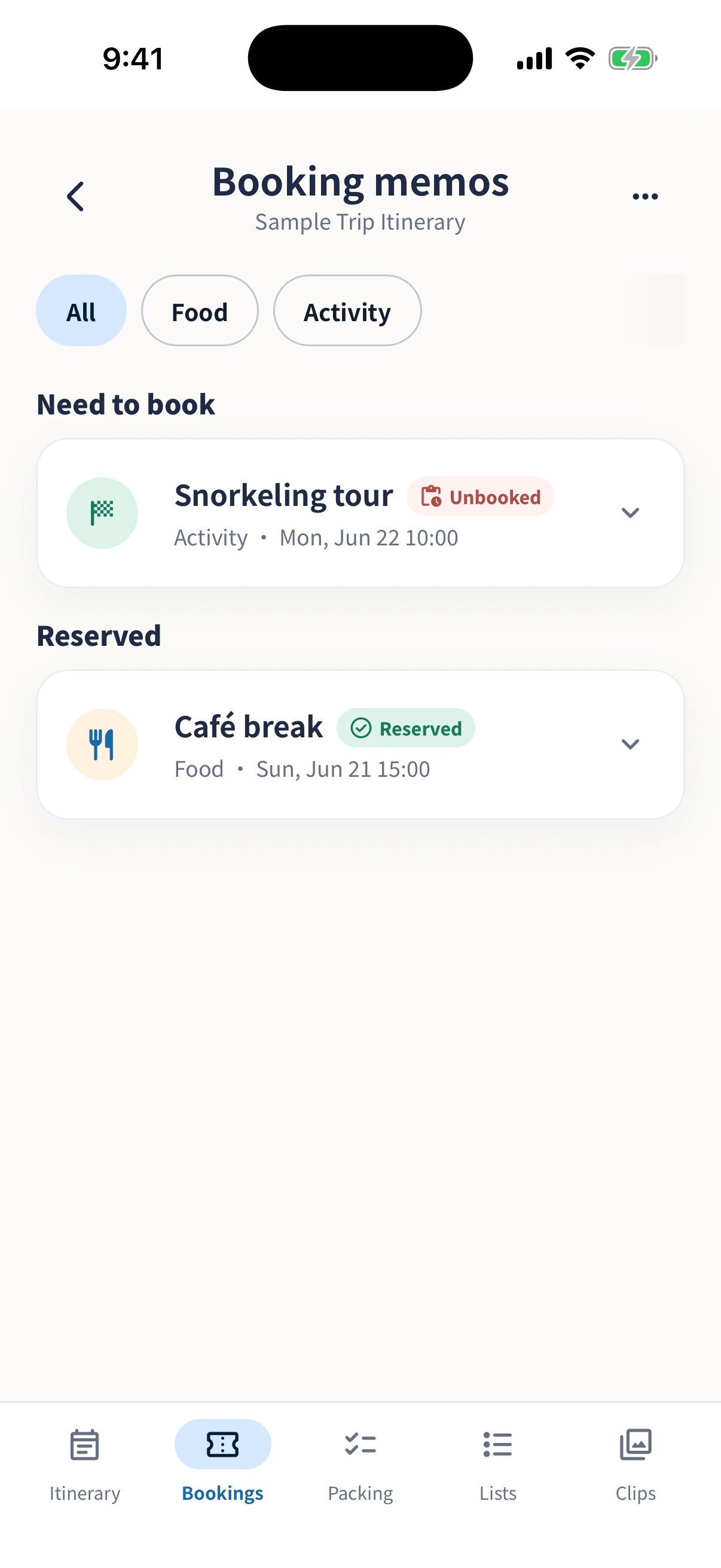
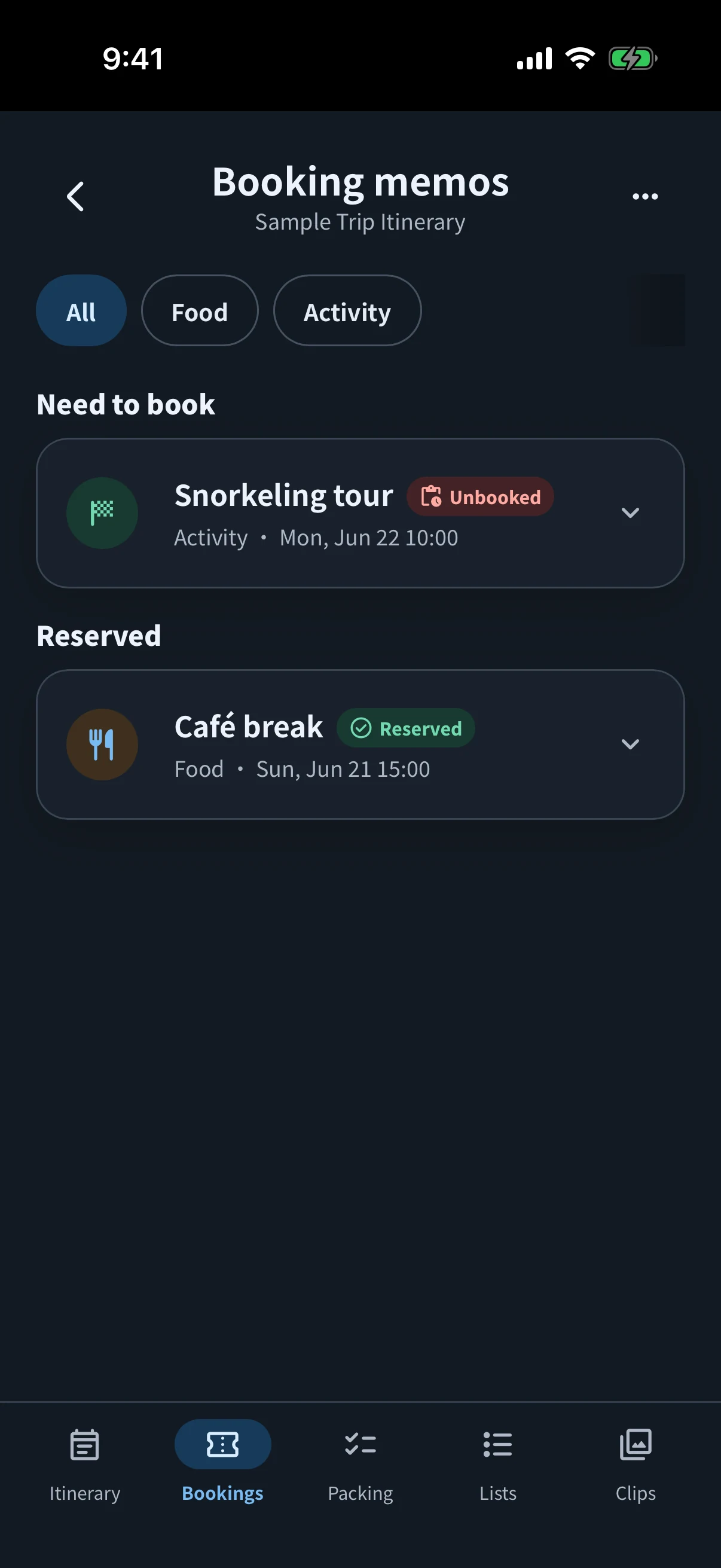
Using bookings on your own or sharing with others
Normally, booking notes and attachments are managed on your device. When starting Edit together, you can choose whether to share attachments with participants. If files contain personal information or QR codes, check the files and recipients before sharing.
You can also add an insurer’s name, policy number, and policy images or PDFs from the plan or booking editor. Backup files do not include images or PDFs attached to booking or insurance details. To let participants view these attachments too, share them through Edit together.
Start with these three steps
- Add fixed bookings firstBegin with flights, trains, hotels, admission times, and other plans already decided.
- Save key details as textSave booking references and property names in booking notes as well as in images so they are easy to find.
- Attach the files you will useAdd images and PDFs you need to present on the day to the matching booking.