
COLLABORATION
Plan the same trip with family and friends
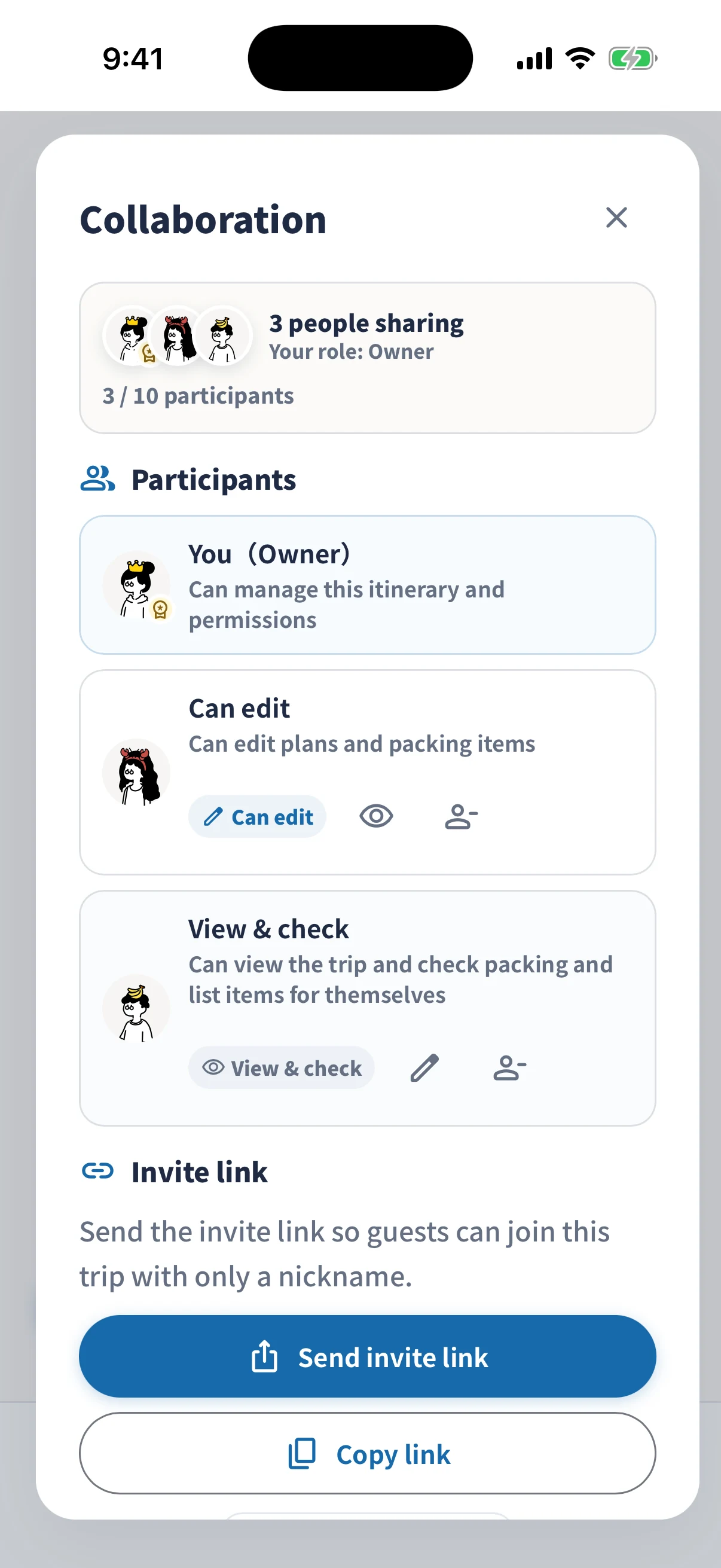
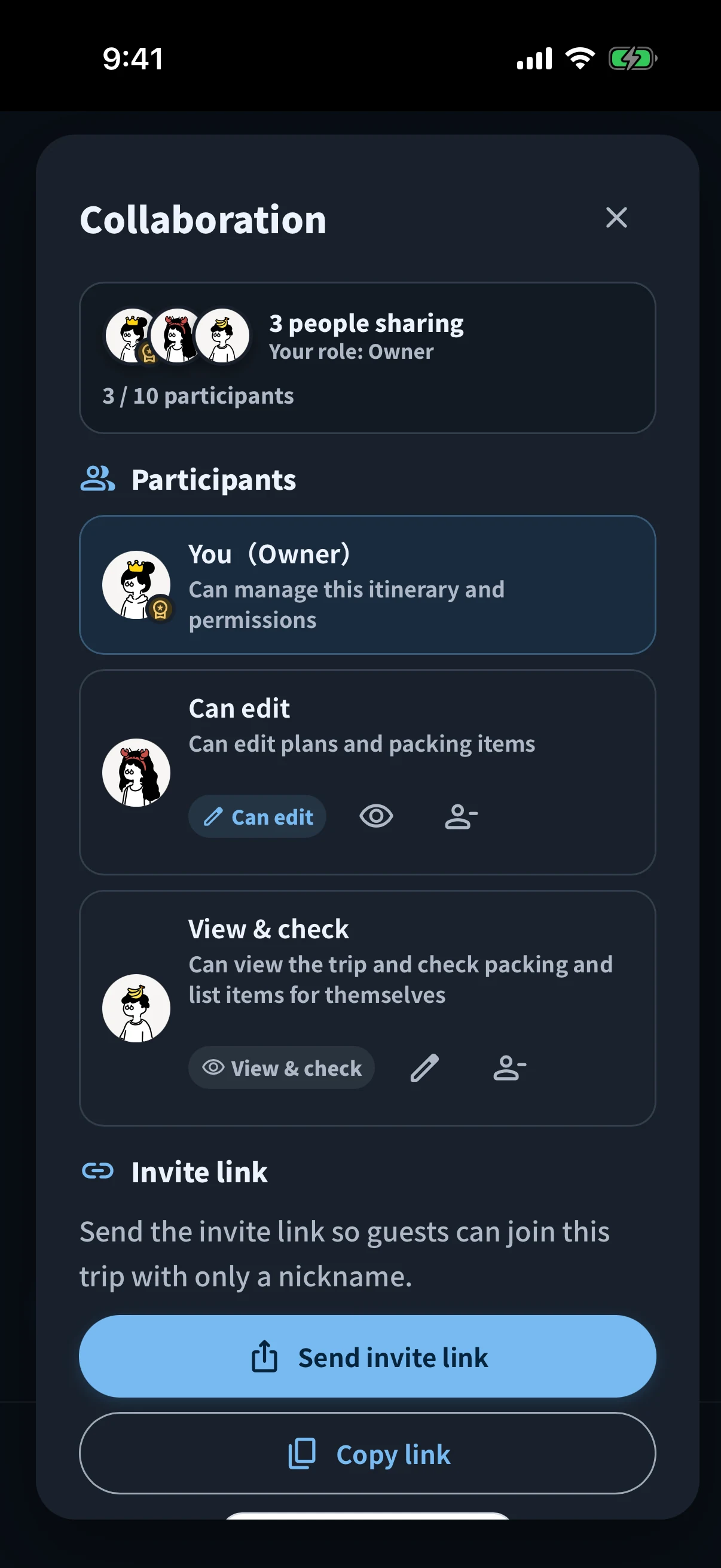
Use Edit together to work on plans and packing lists with your travel companions. Send an invitation link so participants can open the same trip in the simrip app and view or edit it according to their permissions.
View simrip on the App Store- 1Someone with edit access changes a plan
- 2Sync to the same itinerary
- 3Participants check the update
Check the connection Editing may pause while disconnected.
Divide up ideas in one itinerary
A friend adds lunch ideas while you add hotel booking details. Update the same trip from different places according to each person’s permissions.
For people who only need to read, images and PDFs are another option.
Choose images, PDFs, or Edit together →Packing and list checks are personal. Adding items and renaming them is shared, but your checks do not change anyone else’s checked status.
What to know before you start
How long can you use it together?
- Through the trip end dateEdit plans, bookings, and packing. New people can join.
- For 15 days afterwardExisting owners and editors can enter, correct, and settle Money.
- Then ends automaticallyEdit together ends. New people cannot join after the trip end date.
Join in three steps
- Start Edit together for a tripReview the price and cloud storage information before starting.
- Send the link to your travel companionsSend an invitation link to the people you want to invite, for example in a private message.
- Participants open the link in the appAfter setting a nickname, they can view and edit the trip according to their permissions.
What data is shared?
When you use Edit together, the trip name, dates, plans, packing items, booking notes, participant information, change history, and other data needed for synchronization are stored on a server. Images and PDFs selected for sharing are also stored in the cloud so participants can view them.
Before starting, read the Privacy Policy for details, including retention periods.